How to contact support or find help
Ways to Contact Divery Support or find help:
There are several ways to get in touch with us:- Email Support: Send us a message at: support@divery.io
- Submit a Ticket: Use our customer portal to create a support ticket: https://divery.zohodesk.eu/portal/en/home
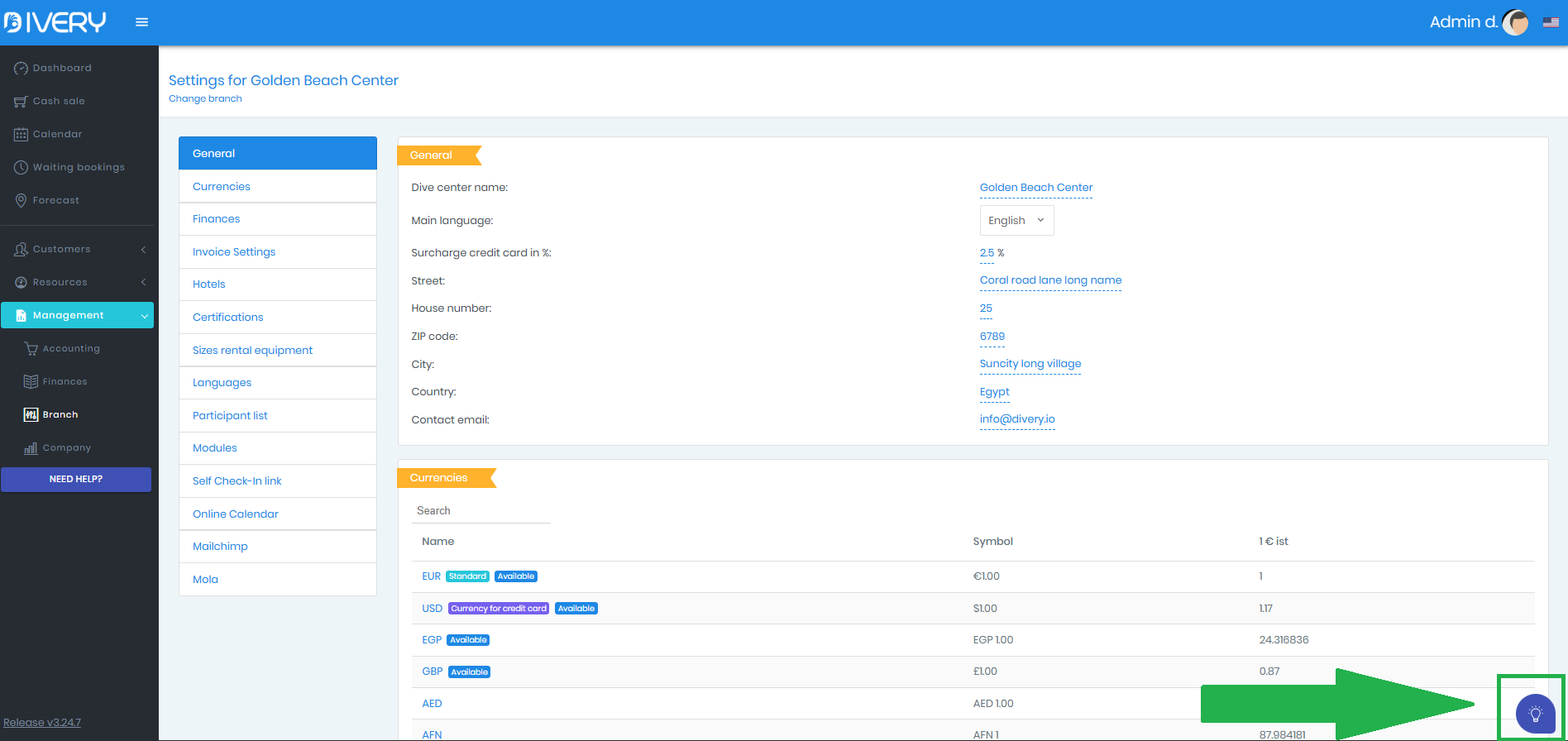
Chat With Our Virtual Assistant: Open the chat widget in the bottom-right corner of our website or software
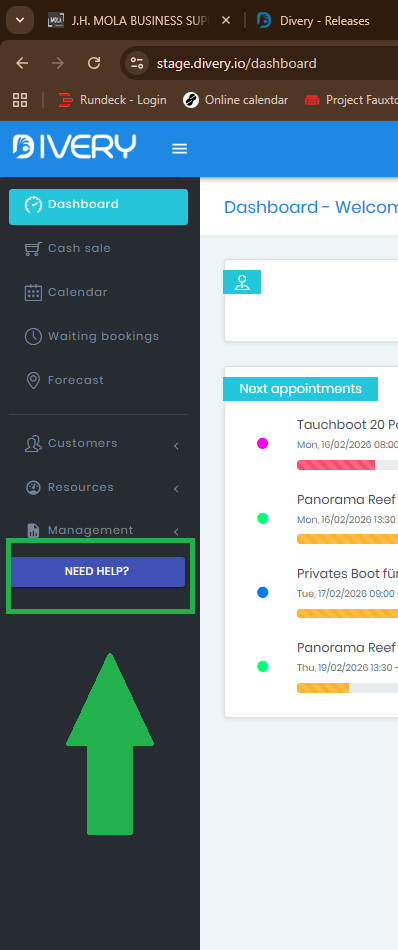
Use the “Need Help?” Button: Click Need help? in the Divery sidebar.
Email Support: Send us a message at: support@divery.io
Submit a Ticket: Use our customer portal to create a support ticket:
https://divery.zohodesk.eu/portal/en/home
Chat With Our Virtual Assistant: Open the chat widget in the bottom-right corner of our website or software
Use the “Need Help?” Button: Click Need help? in the Divery sidebar.
Related Articles
Connect Mola with Divery ( DIVEFLOW )
Learn how to connect your Divery account with Mola . Mola is an automated marketing tool and part of the DiveFlow package. By connecting Divery with Mola, you can automatically send customer information to Mola and trigger marketing workflows based ...Creating a new customer from the center dashboard
In Divery there are several methods to add a new customer in Divery. In this tutorial we take a look at adding a customer using the " + new customer " button on the center dashboard. 1. Go to the center dashboard. The center dashboard is the page ...Creating a new customer from the sidebar.
In Divery there are several methods to add a new customer in Divery. In this tutorial we take a look at adding a customer using the " New Customer " button in the sidebar. 1. Click on "New customer" button in the sidebar Open the sidebar menu and ...Quick access buttons of the center dashboard
In the top right corner of the central dashboard, you'll find three quick access buttons for frequently used actions in Divery. 1. + New Customer Add a new customer to your database. 2. Calendar Quickly access the Divery calendar 3. Cash Office Open ...Search for customers
When looking for a specific customer, there are several places to find them back. In this tutorial we will have a look at searching a customer from the center dashboard. 1. Go to the center dashboard You can navigate to the center dashboard by ...